Dashboard
The dashboard answers two questions on one screen: is everything all right, and is anyone using this? It shows how many people have accounts and how many are active, how much has been written and read, and whether the backups are running. It is the first thing you see when you open Administration.
To open it, choose Admin, Dashboard (Admin is in the top bar; in a narrower window it is under More, and on a phone in the ☰ menu).
A glance once a week is plenty. Look more closely when something changes: a sudden climb in failed sign-ins, or a backup tile in red, is your cue to open Security or Backups.
Choosing the period
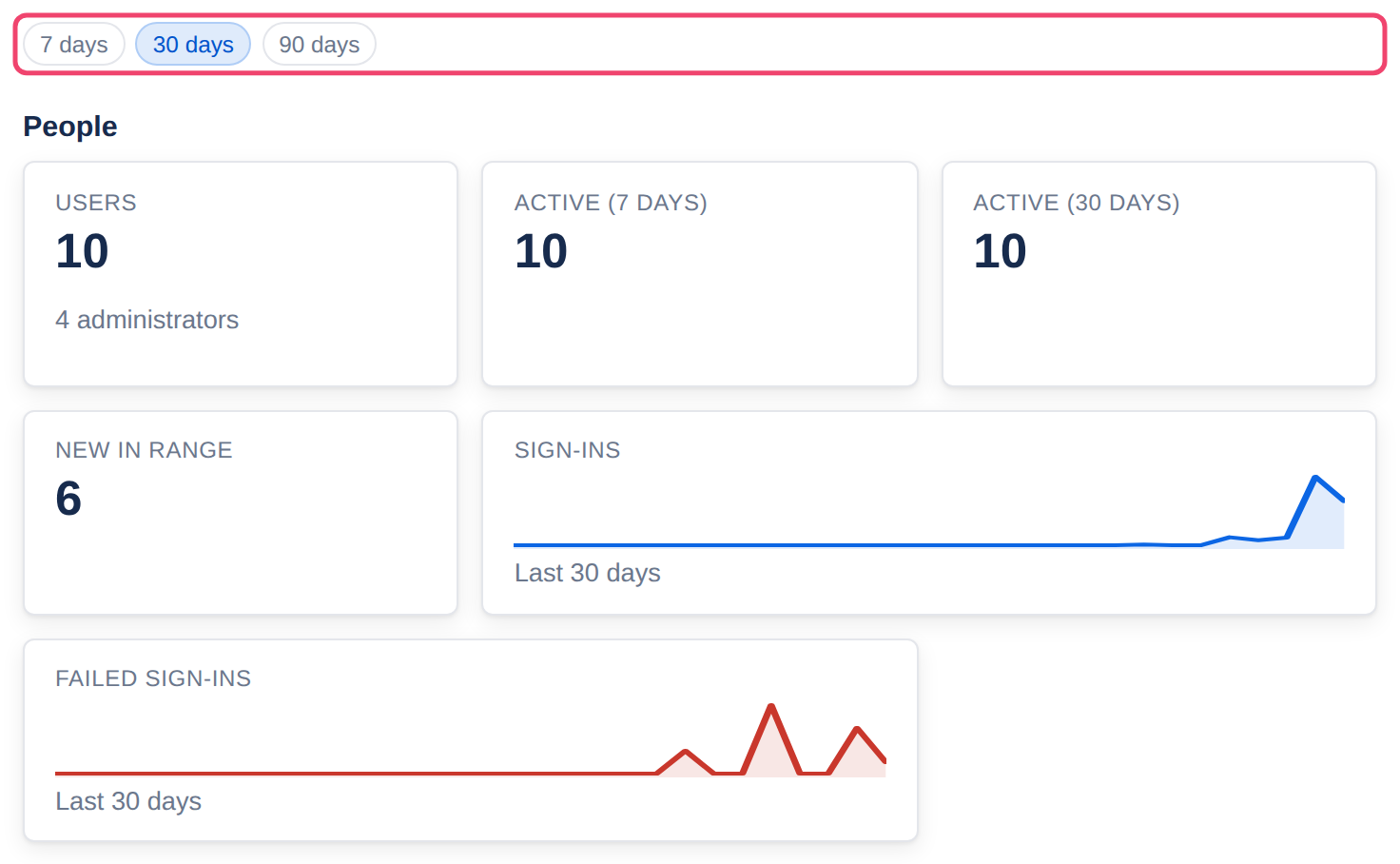
The buttons at the top choose the last 7, 30 or 90 days. The small charts, new accounts and page views follow the choice; totals such as the number of pages do not. Move the pointer along a chart to see one day’s number.
What each part shows
People: how many accounts there are and how many are administrators, how many were active in the last 7 and 30 days, new accounts in the period (and how many are suspended, if any), and charts of sign-ins and of failed sign-ins, the second in red.
Content: spaces, pages and their saved versions, comments, attachments and the space they take, and a chart of pages created.
Usage: page views in the period, and views per day.
Health: one tile per backup service, Last database dump and Last physical backup, saying how long ago the last backup was and whether it is OK. A problem shows as Last run failed, Overdue, Not reporting or Agent offline. Click a tile to open Backups.
Most viewed and Most active editors: the ten pages read most in the period, and the ten people who saved the most versions.
Private pages stay private here too. A page you are not allowed to open is still counted in Most viewed, but its title is not shown and it is not a link.
Watch the failed sign-ins chart. A spike usually means someone is guessing passwords. Tesria raises an alert on the Security tab when it sees a burst from one address, and that is where you can block it.
Applies to | Tesria 0.5 and later |
|---|---|
Updated | September 24, 2026 |
Changes | Revised. |