Welcome to Tesria
Tesria is a wiki: a shared place where a group of people write things down, keep them in order, and find them again. How the office Wi-Fi is set up, what was decided at Tuesday’s meeting, the steps for onboarding a new hire, the recipe everyone asks for. Instead of living in someone’s inbox or in a document only one person can find, it lives on a page that everyone can read and anyone allowed can improve.
What makes Tesria different is where it runs: on a computer you choose, such as a server at work, a small cloud machine, or a spare computer at home. Your pages, pictures and backups are kept there. Tesria is free and open source, and this site will help you from the first install to the hundredth page.
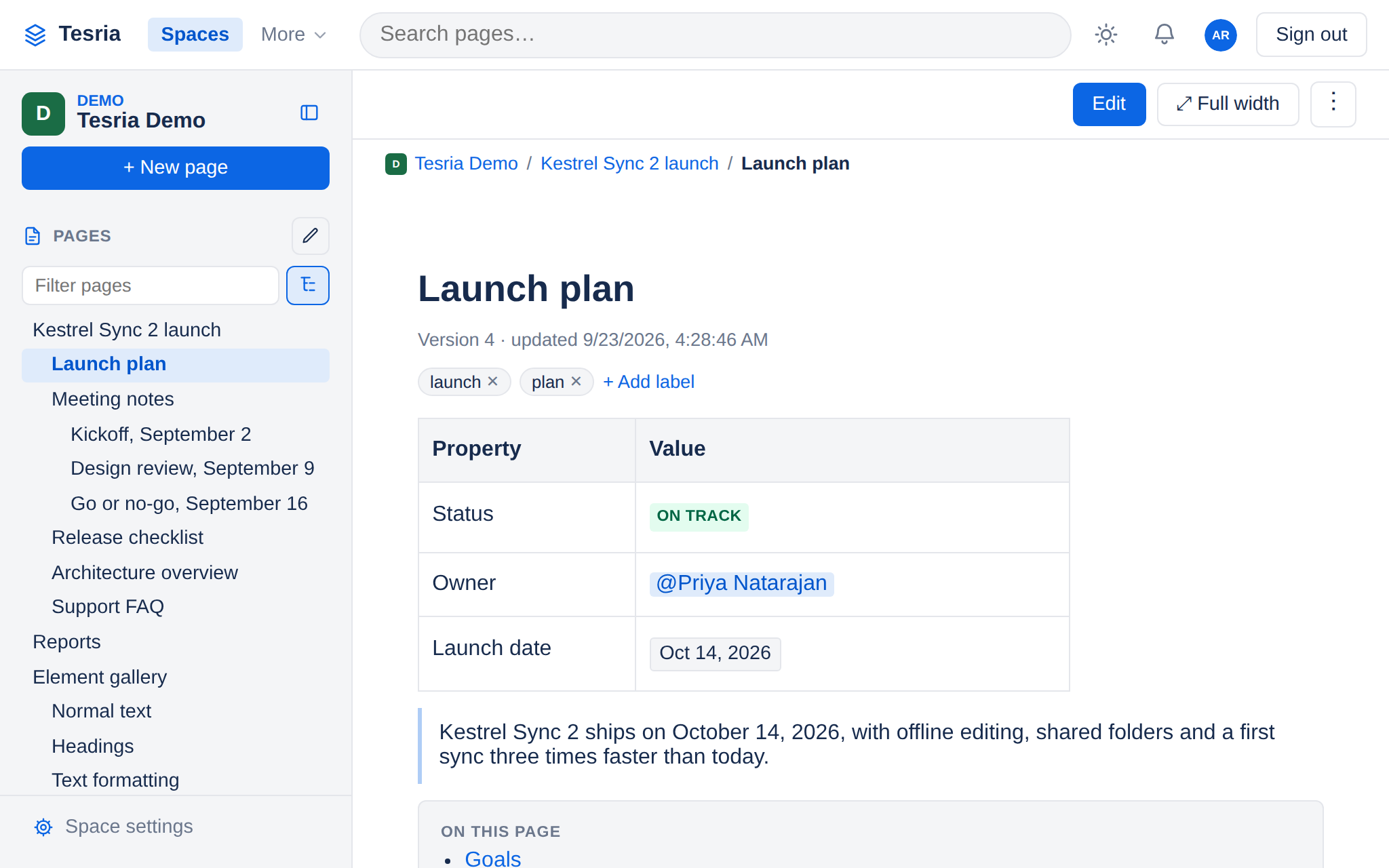
Who Tesria is for
Teams that are tired of hunting for things. If the answer to “where is that written down?” is usually “ask Sam”, a wiki gives it a home, and everyone on the team can find it without asking.
Organizations that need to keep their information in-house. Because Tesria runs on your own machine, your pages and files are stored there, not on another company’s servers, and you decide who can reach it.
Clubs, schools and households with a spare computer. Tesria runs happily on a home network, and everyone can reach it from their phone, tablet or laptop.
Anyone who wants to try it first. You can run Tesria on your own laptop, look around, and decide later where it should live.
Where to go next
Curious what it can do? Features is a tour of everything Tesria does, grouped by what you are trying to get done. What is Tesria explains the idea of a wiki, and why a team would run its own.
Ready to try it? The Quick start takes you from a computer with Docker to your own Tesria, step by step. Prerequisites says what to have ready first.
Already have a Tesria to use? The User manual covers writing pages, organizing them into spaces, and working with other people. Your first space and page is the gentlest place to begin.
Looking after one? Installation and operations covers settings, secure connections, backups and upgrades, and Administration explains every screen an administrator sees.
Connecting other software? See the REST API for scripts and other systems, and MCP for AI assistants.
Stuck? Try Troubleshooting and the FAQ. If a word is new to you, the Glossary explains it.
This site is made with Tesria. Every page here was written in Tesria and published with its own website export, so anything you see on it is something your Tesria can do too.
Everything on this site
Applies to | Tesria 0.5 and later |
|---|---|
Updated | September 24, 2026 |
Changes | Revised. |