Moving between spaces and pages
On a computer, a space’s page tree sits in a sidebar beside every page. A phone has no room for that, so the tree is in two other places instead:
In the ☰ menu, from any page in the space. This is the quick way from one page to another.
On the space’s home page, under its name and description. There you can also reorder pages, the same way as in the sidebar.
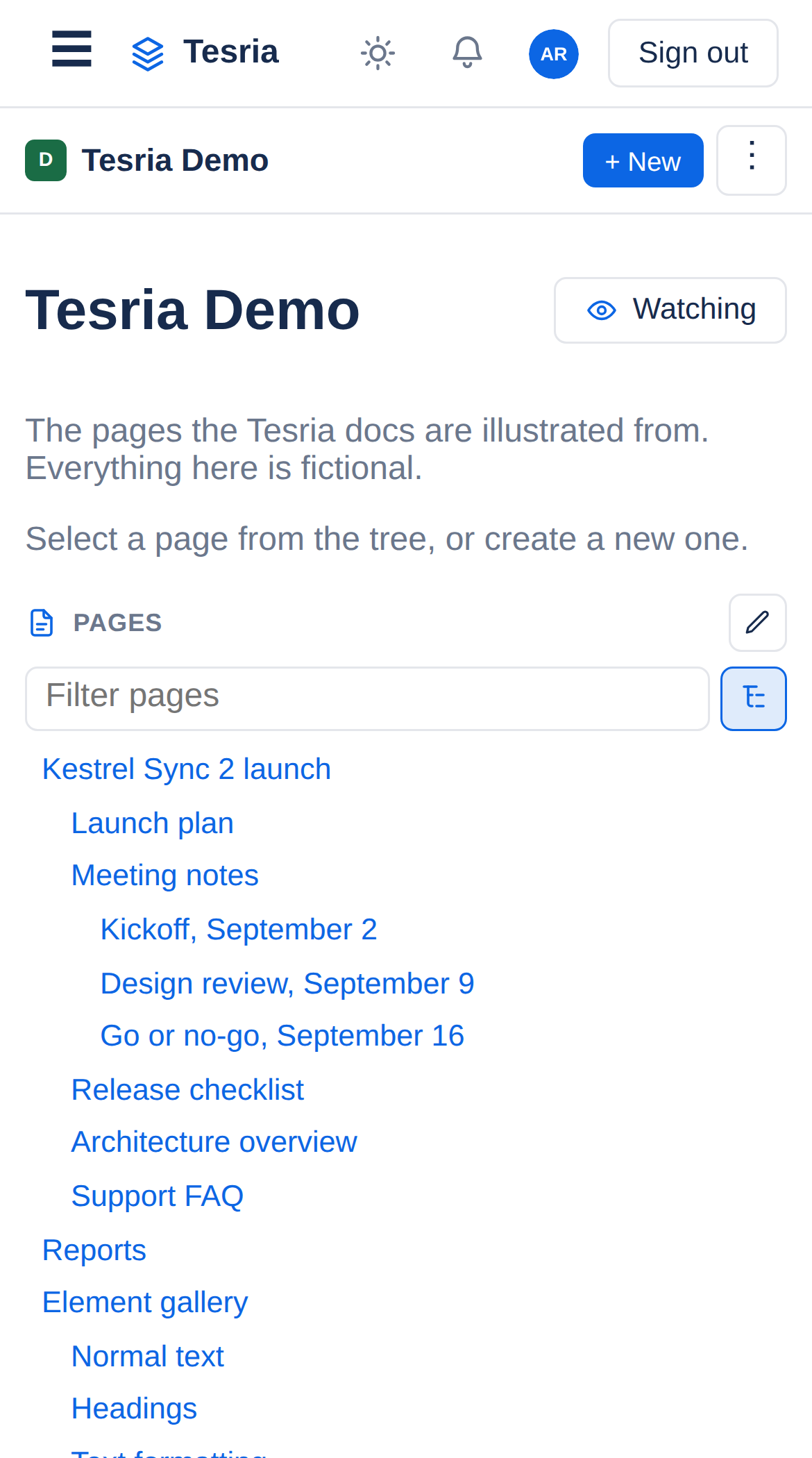
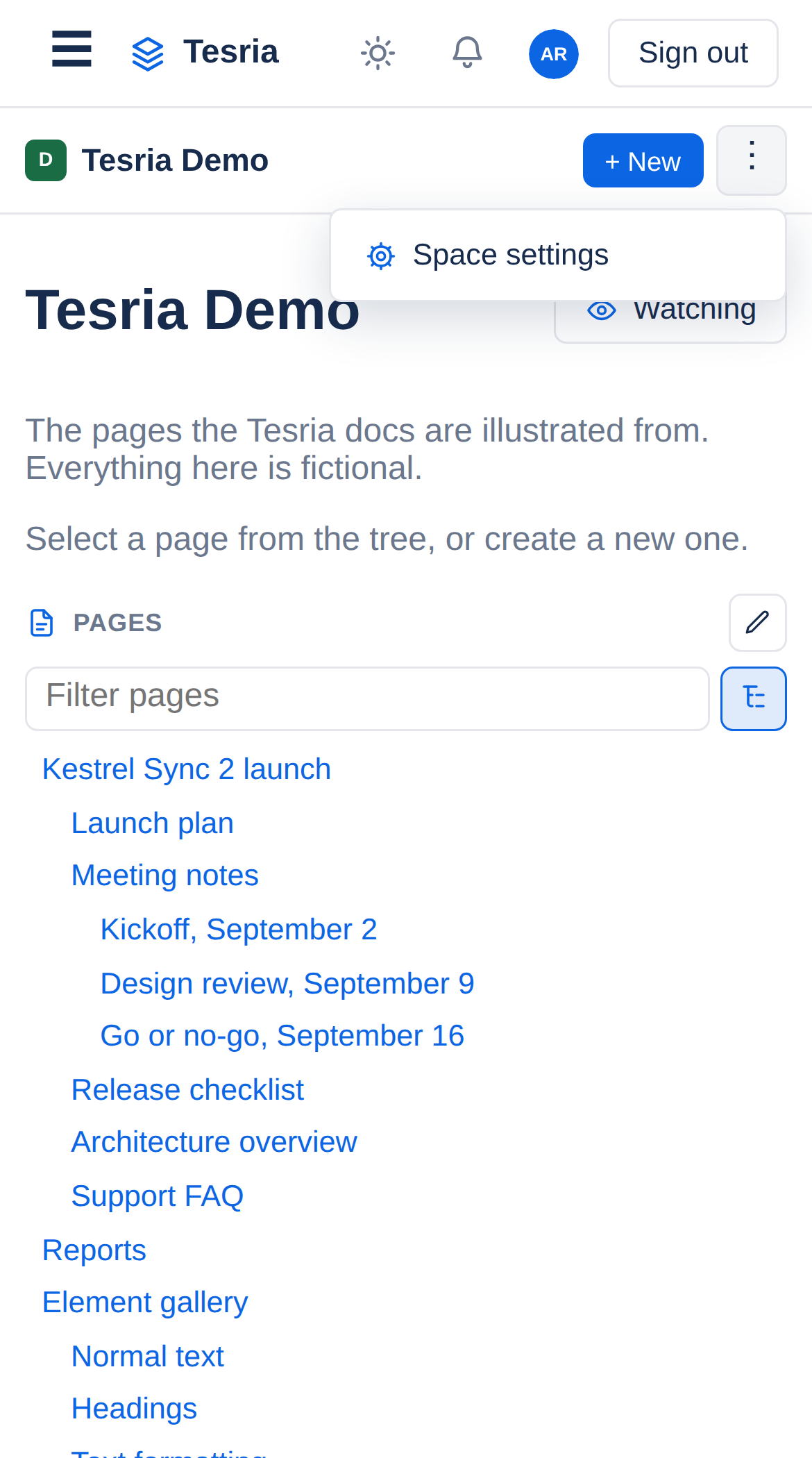
Under the top bar, a space’s home has + New to create a page, and a ⋮ menu with Space settings, which holds the space’s permissions, templates, webhooks and trash as well.
On a page, + New beside Edit creates a new page under the one you are reading. On a computer the same is in the sidebar.
Applies to | Tesria 0.5 and later |
|---|---|
Updated | September 24, 2026 |
Changes | Written for Tesria 0.5. |