Avatar, name and email
These three decide how you appear to everyone else: your avatar and name are beside everything you write, from pages to comments to the history of a page.
To get there, open your profile (your picture or initials at the top right of any page). The Avatar, Display name and Email address cards are at the top.
Avatar
Until you upload a picture, your avatar is your initials on a colored circle. Pick any of the twelve colors under Generated avatar to change it.
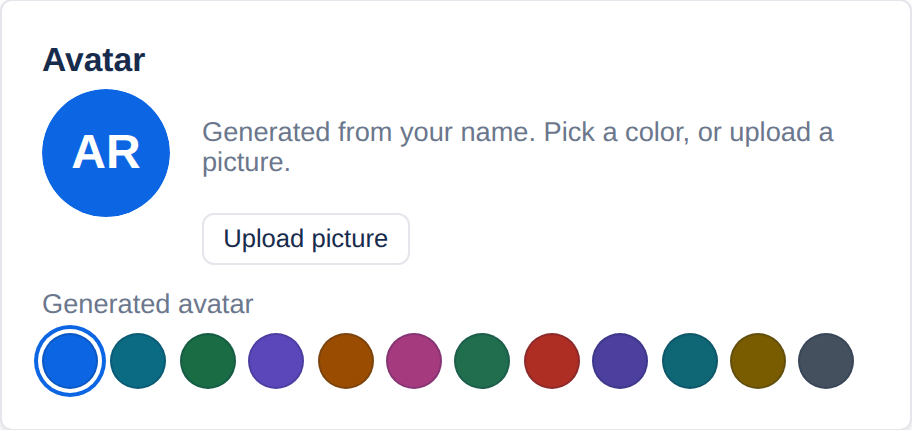
Upload picture takes a PNG, JPEG or WebP image of up to 1 MB and crops it to a square from the middle, so a portrait keeps the face. Once you have a picture, Replace picture swaps it and Remove goes back to your initials.
Display name
The name shown on your pages, comments and version history, and the one people find when they type @ to mention you. Change it and choose Save name.
Email address
Type the new address, enter your current password to show it is you, and choose Change email. You sign in with the new address from then on.
If your account signs in through single sign-on, the card says so: your organization’s sign-in service owns your email address, and it is changed there.
Applies to | Tesria 0.5 and later |
|---|---|
Updated | September 24, 2026 |
Changes | Revised. |