The phone top bar and menu
On a computer, the top bar holds everything at once: Spaces, search, the bell and your profile. A phone is too narrow for that, so the top bar keeps only what you reach for most, and the rest goes behind the ☰ button at its left.
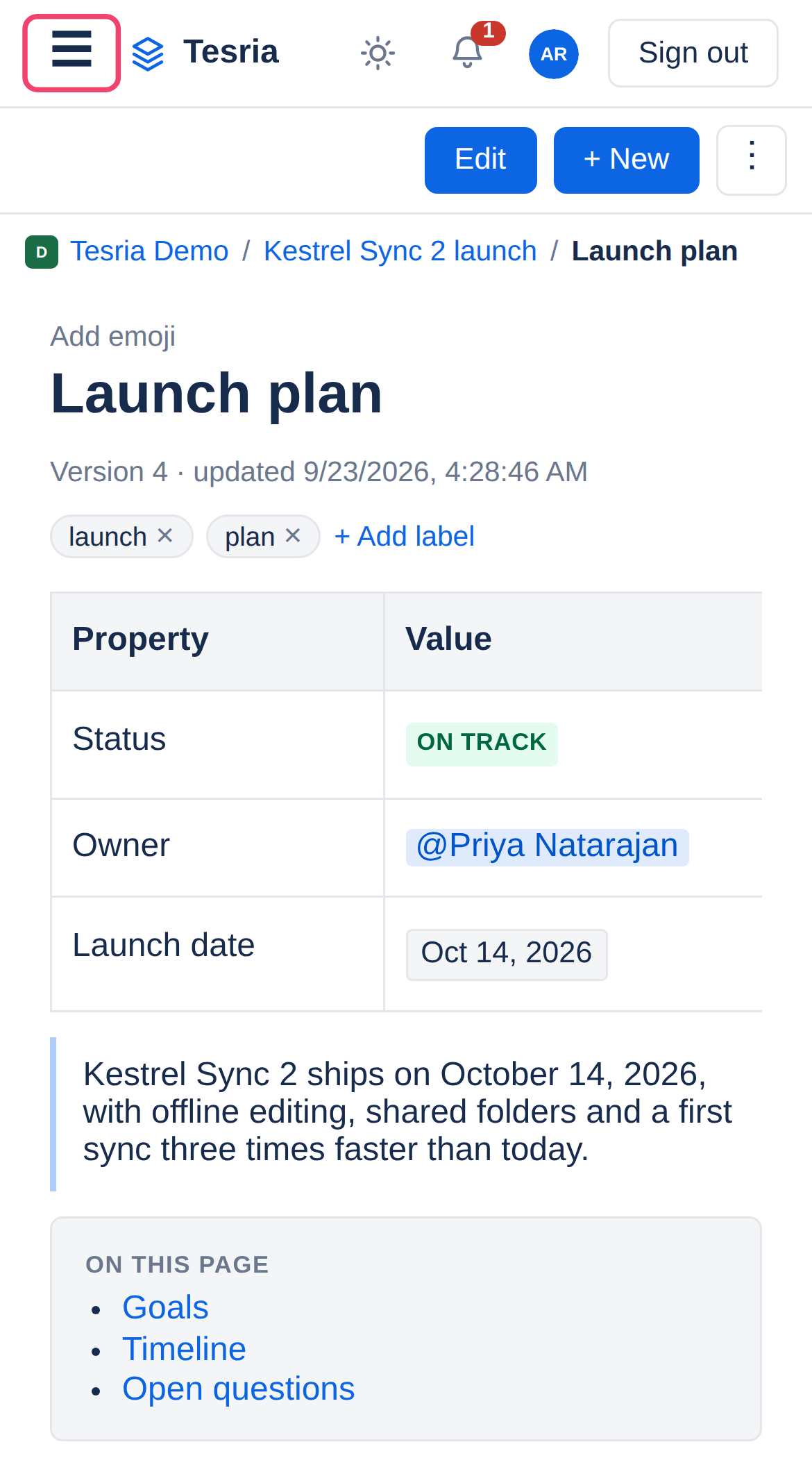
The top bar keeps the ☰ button, the logo (tap it for the list of spaces), the light and dark switch, the bell, your avatar for your profile, and Sign out.
The ☰ menu
Tap ☰ and the menu opens under the top bar:
Spaces, and Admin or Invite people if your role has them.
Search pages…, the search box. Type and tap Go or Enter on the keyboard.
The space you are in: its name, + New page, its whole page tree and Space settings. Tap a page to go to it.
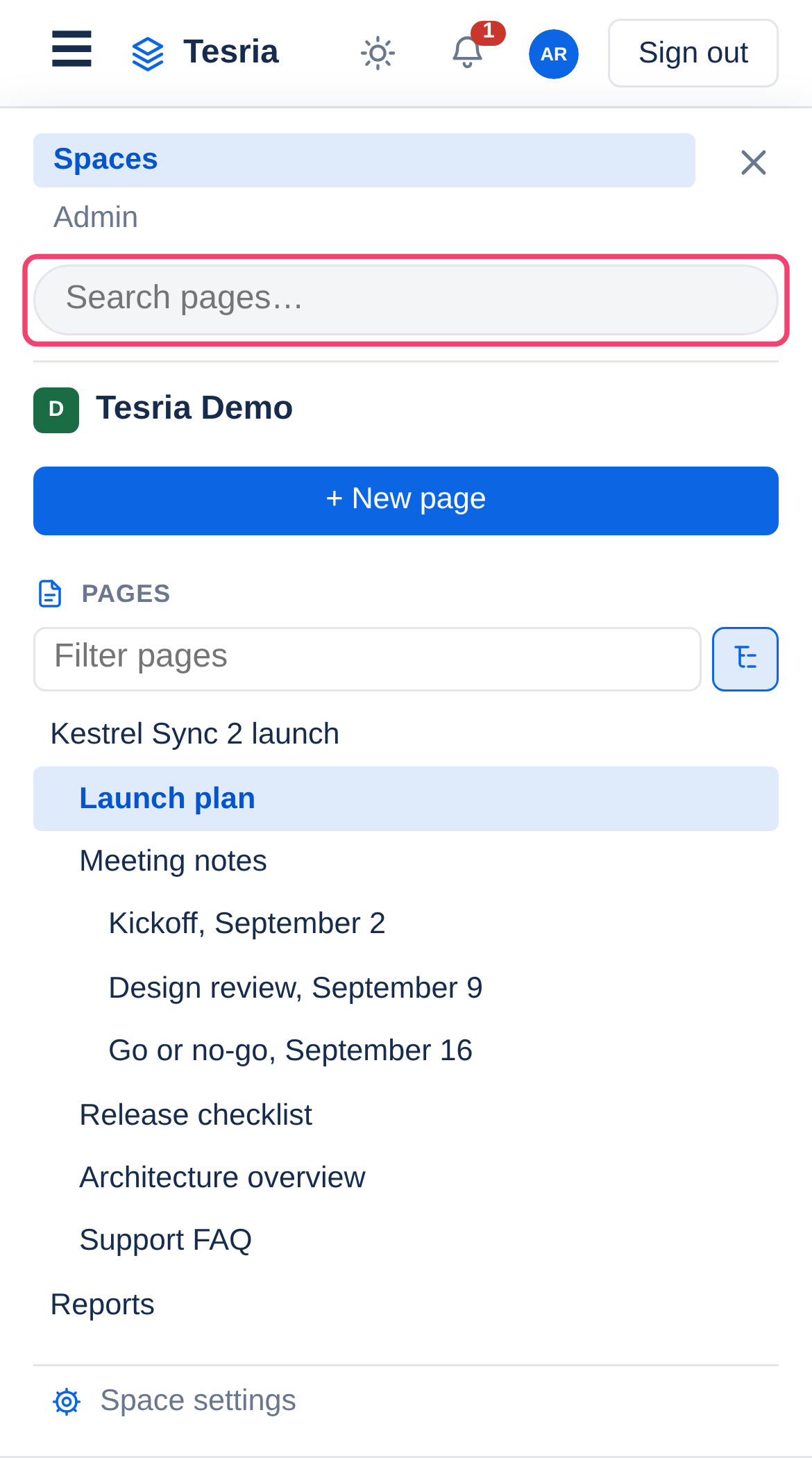
Tap ✕, tap outside the menu, or choose anything in it to close it.
Applies to | Tesria 0.5 and later |
|---|---|
Updated | September 24, 2026 |
Changes | Written for Tesria 0.5. |